VIOFO
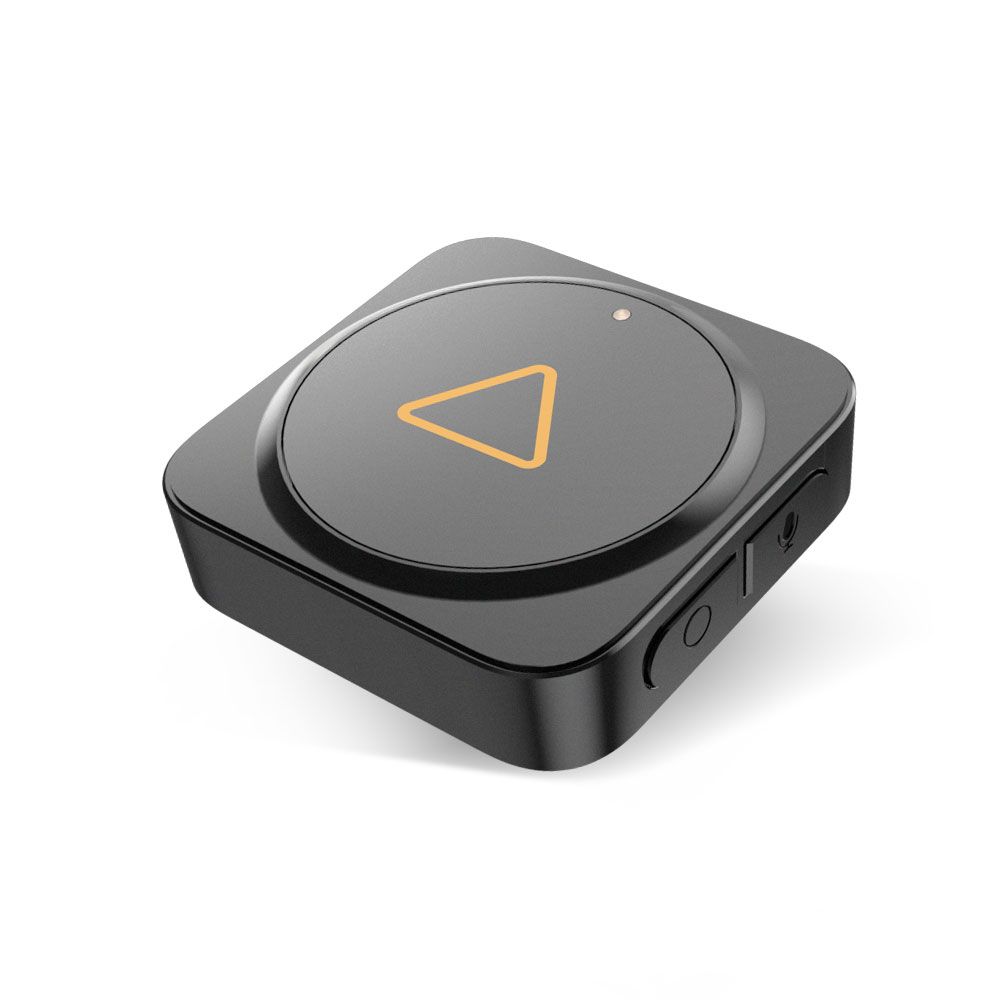
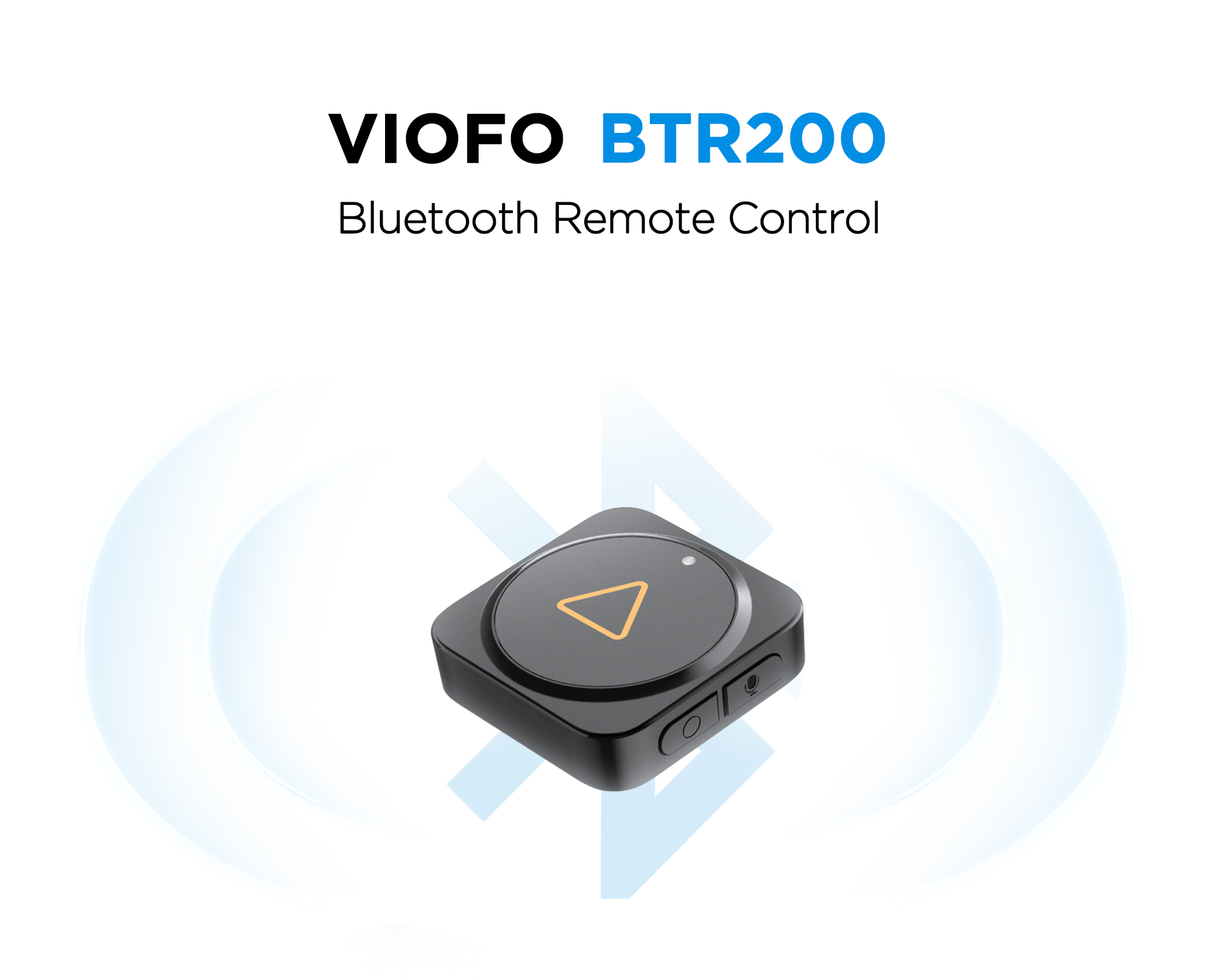
VIOFO BTR200 Wireless Bluetooth Remote Control
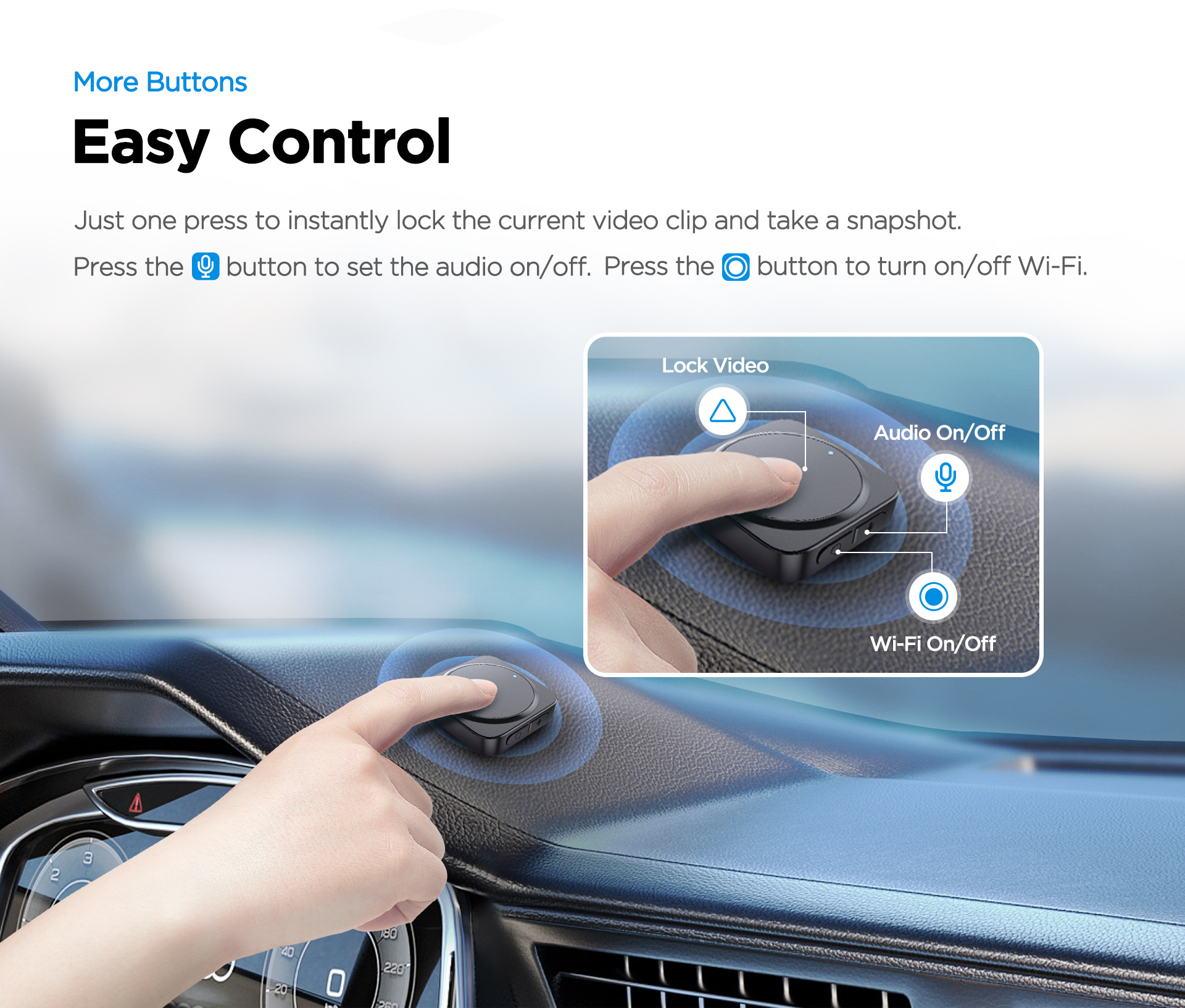
The VIOFO BTR200 Wireless Bluetooth Remote Control gives you convenient dash cam control while driving. With one press, you can lock the current video clip and take a snapshot, while the side buttons can be used for functions such as microphone control and Wi-Fi control on compatible VIOFO dash cams.
- Wireless Bluetooth remote control for compatible VIOFO dash cams
- One-press video lock and snapshot
- Side buttons for microphone and Wi-Fi control by default
- Customisable side button functions on compatible models
- Simple Bluetooth pairing
- Includes CR2032 battery and 3M adhesive
About this product
VIOFO BTR200 Wireless Bluetooth Remote Control
The VIOFO BTR200 Wireless Bluetooth Remote Control is a convenient accessory for compatible VIOFO dash cams, allowing quick access to important functions without reaching for the dash cam while driving.
With one press, the BTR200 can instantly lock the current video clip and take a snapshot. It also includes two side buttons that can be used for microphone and Wi-Fi control by default, with customisable functions available on compatible VIOFO models.
Key Benefits
- Quick Video Lock: Save important footage instantly with one press.
- Snapshot Function: Capture a photo quickly while driving.
- Easy Audio Control: Use the side button to turn microphone recording on or off on compatible models.
- Wi-Fi Control: Use the side button to turn Wi-Fi on or off on compatible models.
- Customisable Buttons: Side buttons can be customised for different functions on supported dash cams.
- Flexible Mounting: Install the remote in a convenient position within reach.
Quick Control While Driving
The BTR200 is designed to make dash cam control easier and safer while driving. Instead of reaching toward the windscreen-mounted dash cam, you can mount the remote in a convenient location and quickly save important footage when needed.
This is especially useful if you want to manually lock footage after a road incident, close call, unusual event or important driving moment.
One-Press Video Lock and Snapshot
Pressing the main video lock button can instantly lock the current video clip and take a snapshot. Locked footage is protected from normal loop recording overwrite, helping preserve important video evidence.
Depending on when the button is pressed within the current recording file, the dash cam may also lock the previous or next video file to help protect the full event.
Side Buttons for Extra Control
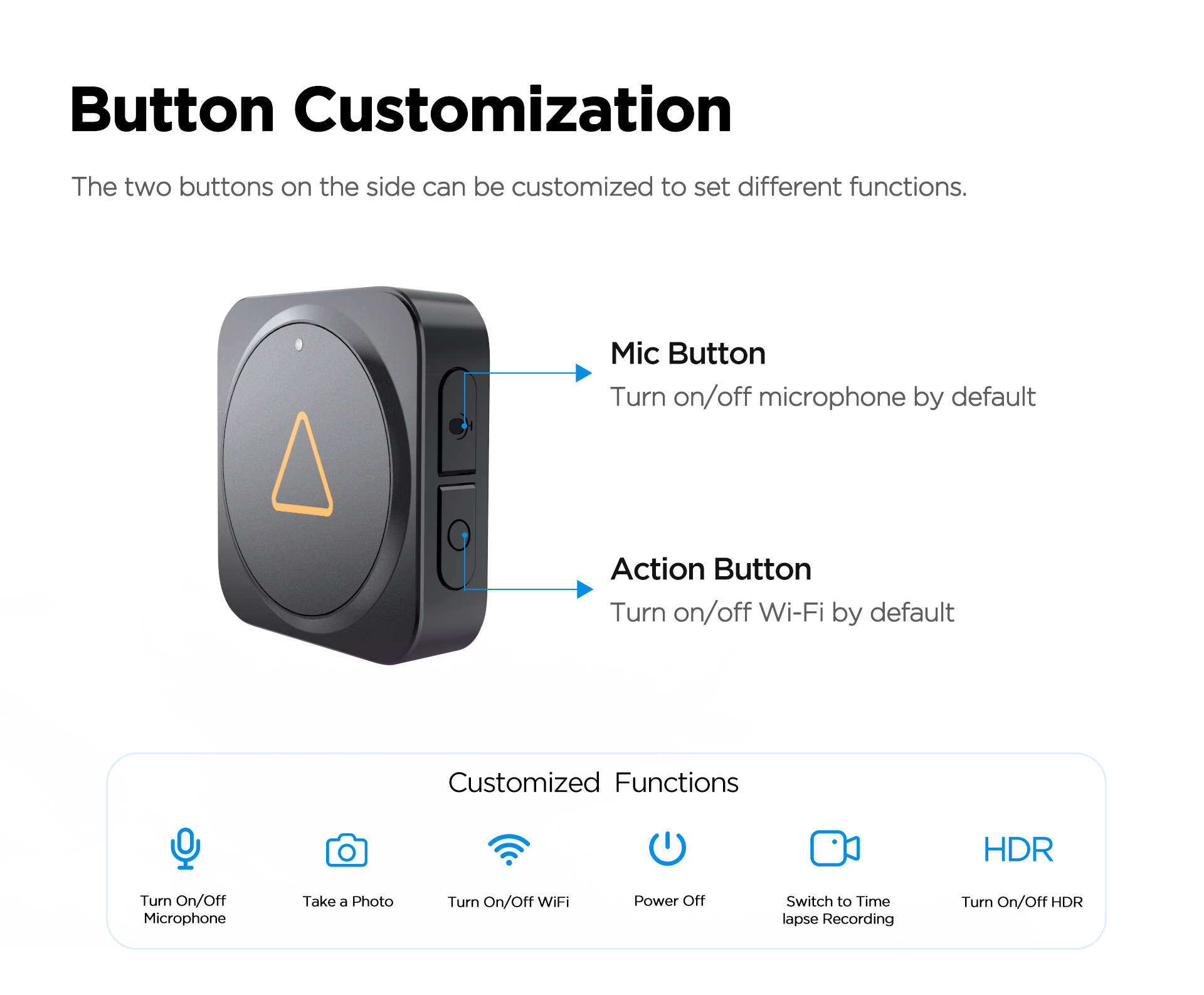
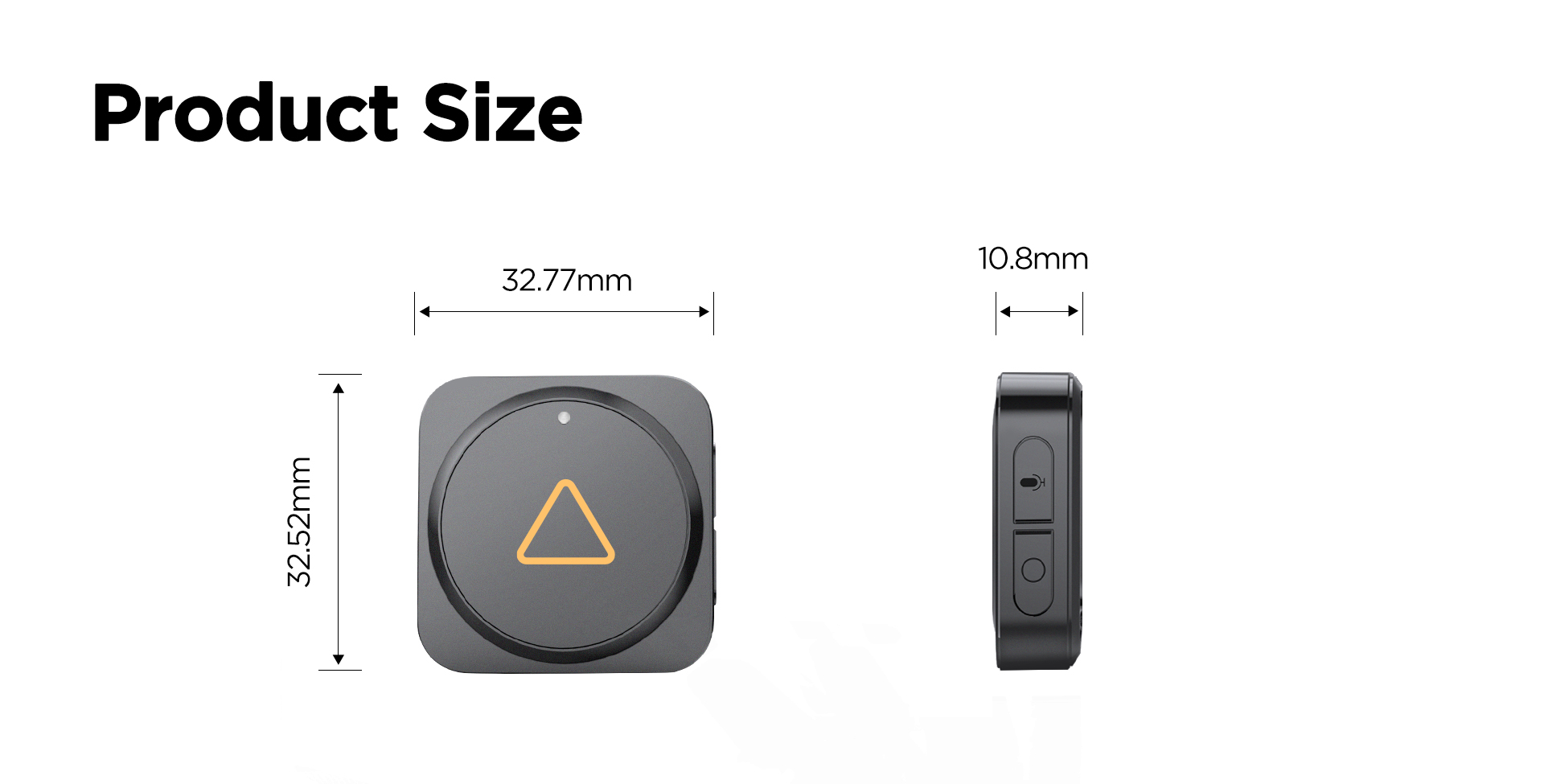
The BTR200 includes two side buttons. By default, these are used for microphone control and Wi-Fi control on compatible VIOFO dash cams.
- Mic Button: Turn microphone recording on or off.
- Action Button: Turn Wi-Fi on or off by default.
On supported models, the side buttons can be customised for other functions, such as taking a photo, turning Wi-Fi on or off, powering off, switching to timelapse recording, or turning HDR on or off.
Simple Bluetooth Pairing
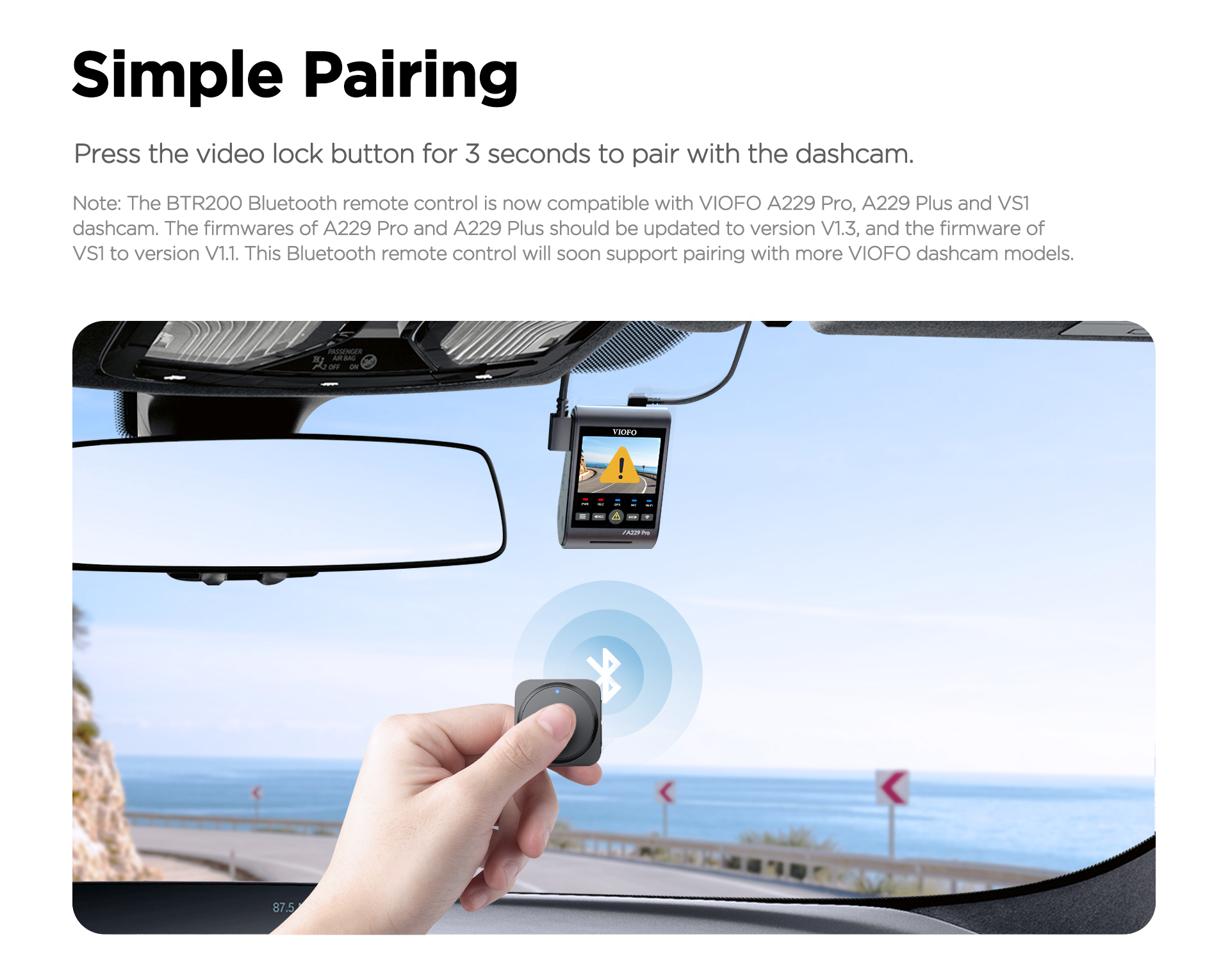
Pairing is simple. Power on the compatible VIOFO dash cam, then press and hold the video lock button on the BTR200 for 3 seconds to pair. When pairing is successful, the LED indicator turns blue.
Flexible Installation
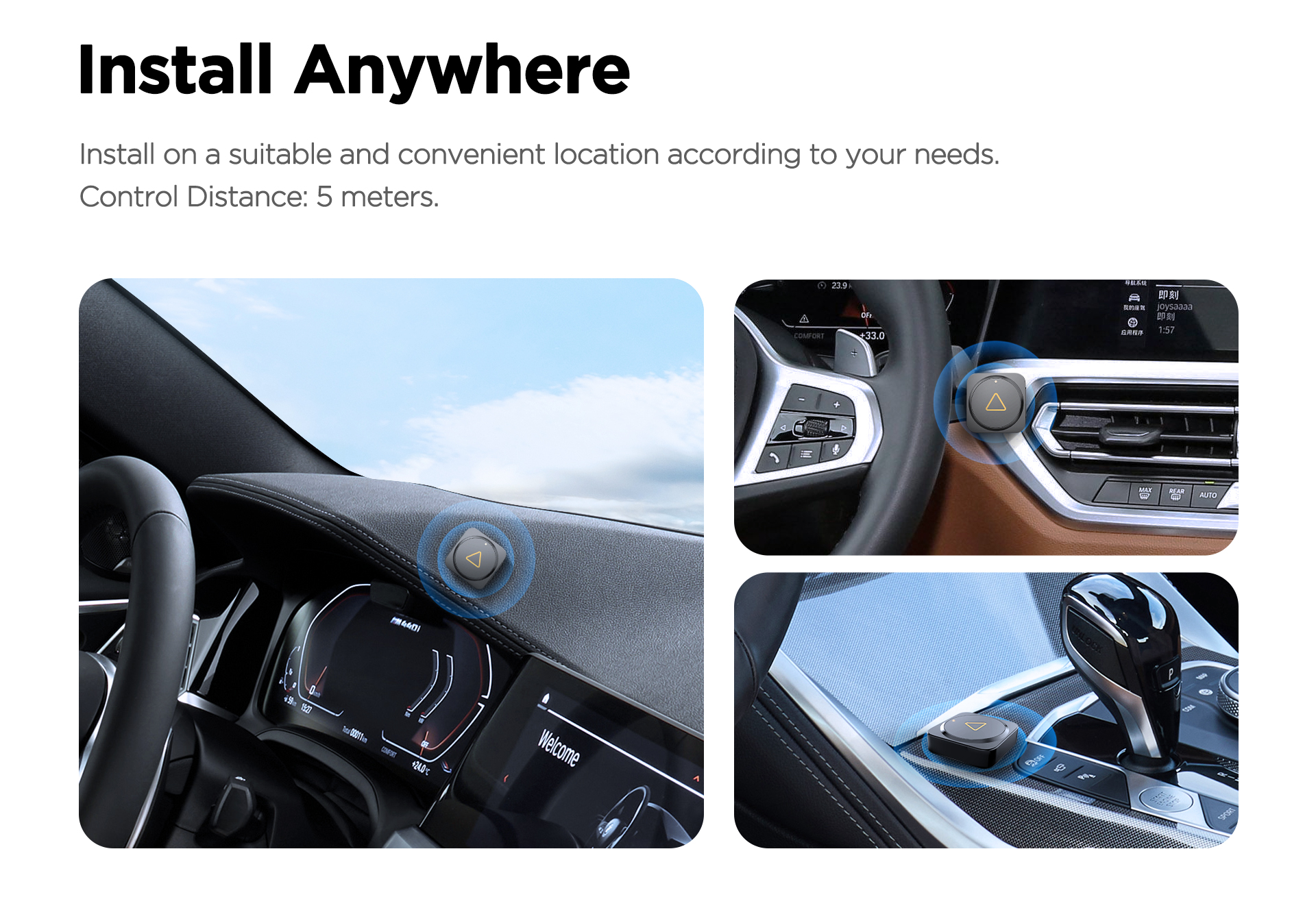
The BTR200 can be installed in a convenient location within the vehicle, such as near the steering wheel area, centre console or dashboard area, depending on driver preference and safe placement.
VIOFO lists the control distance as approximately 5 metres, making it suitable for normal passenger vehicle installations.
Installation note: Install the remote in a safe and convenient location that does not interfere with steering, airbags, controls, visibility or driver operation.
Compatibility
The BTR200 is compatible with many current VIOFO dash cam models that support Bluetooth remote control. Some models may require firmware updates before pairing. Please check your dash cam model and firmware version before use.
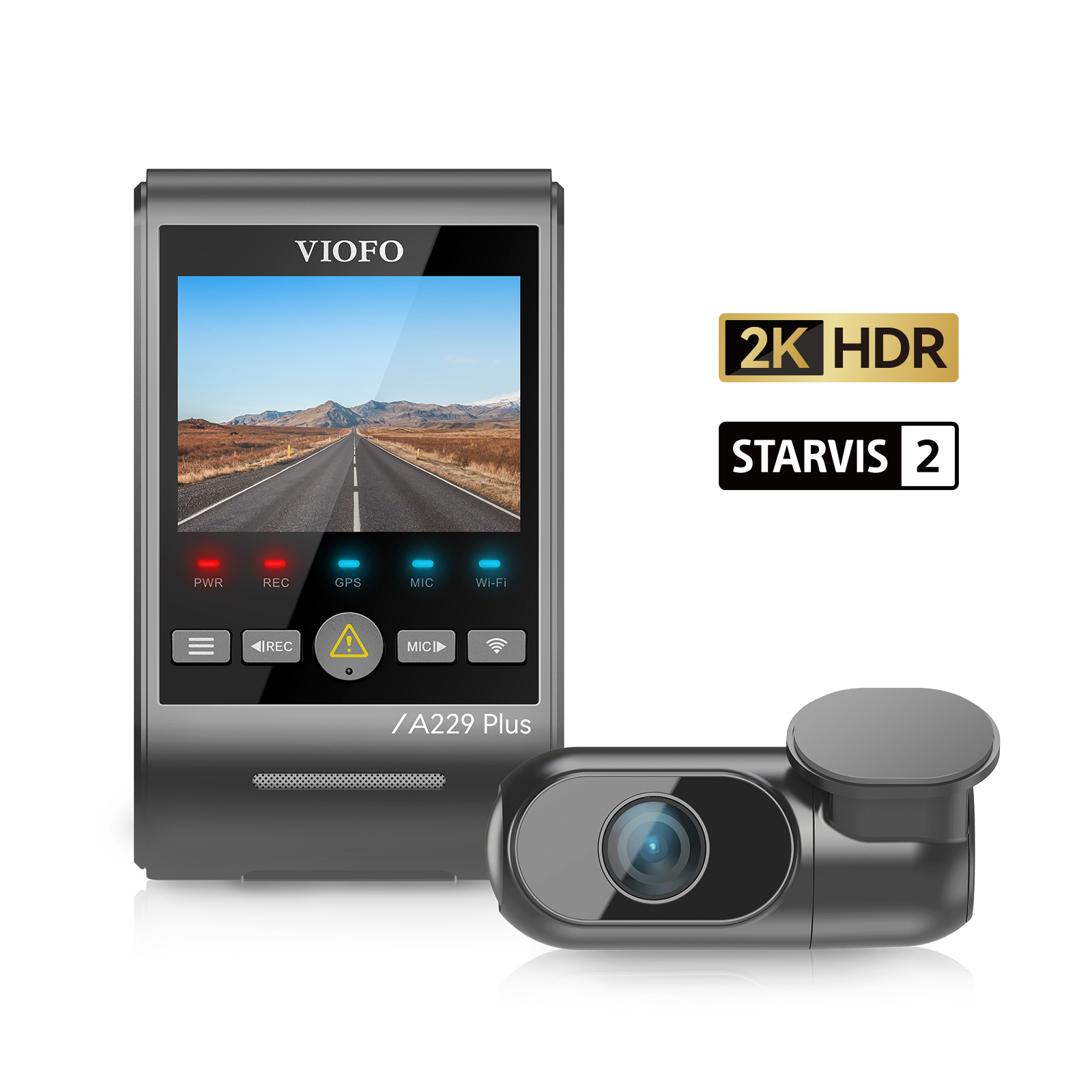
- VIOFO A229 Plus Series
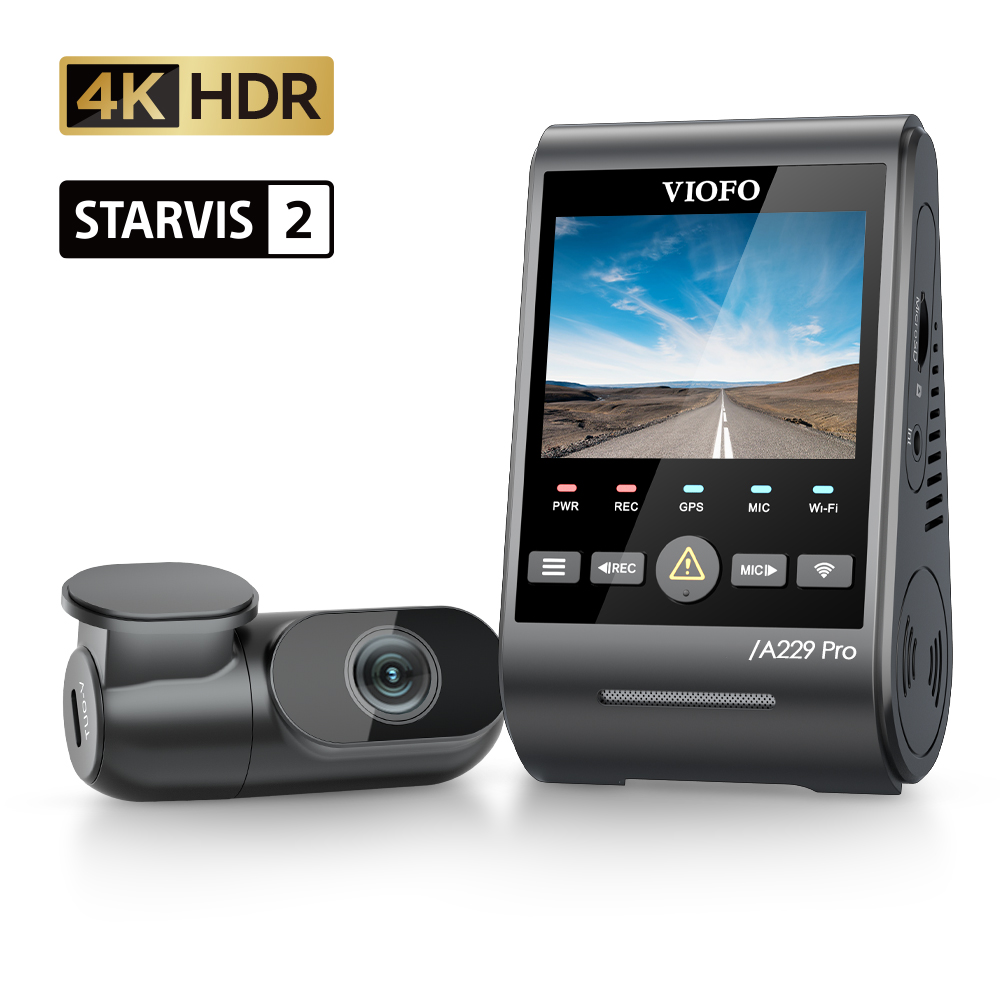
- VIOFO A229 Pro Series
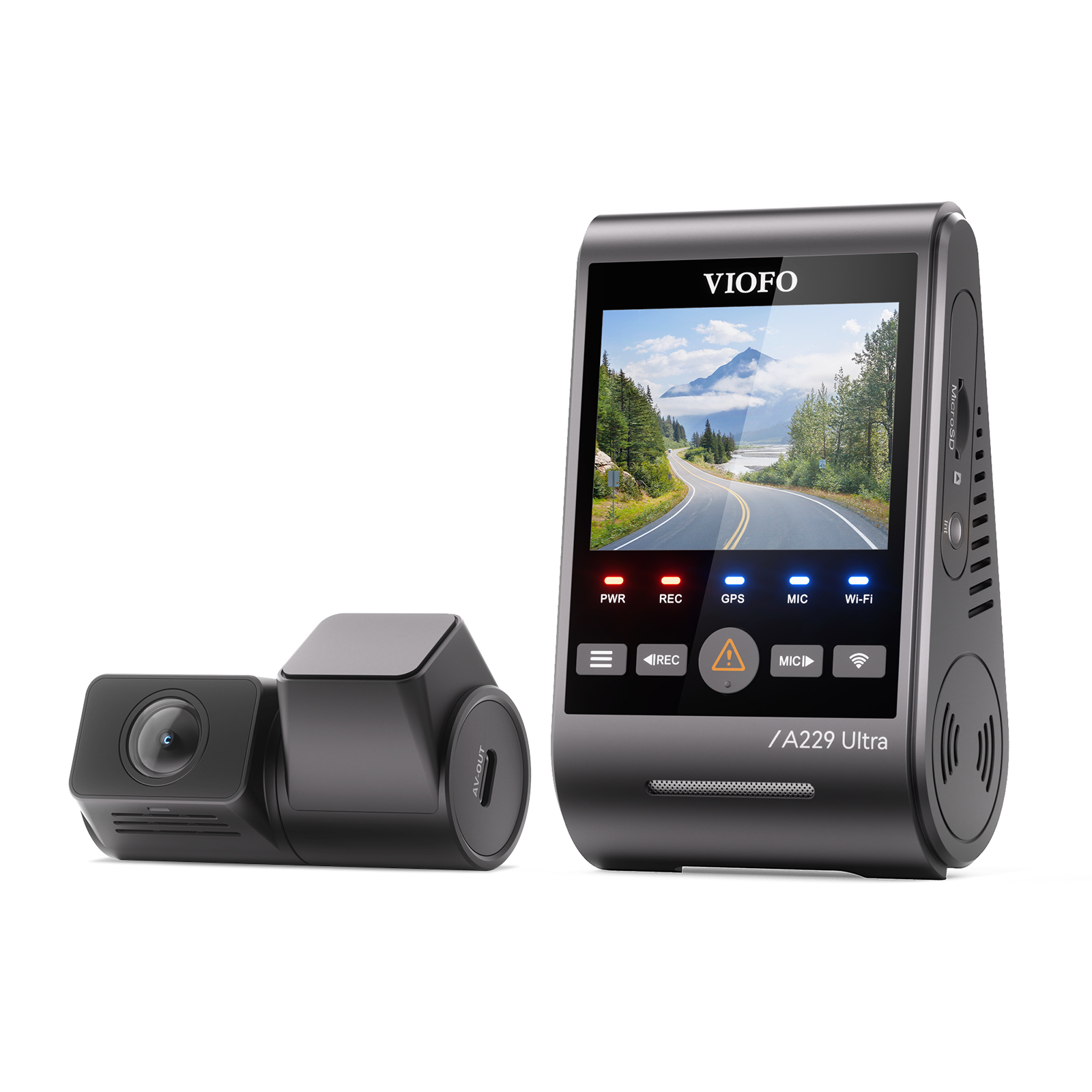
- VIOFO A229 Ultra Series
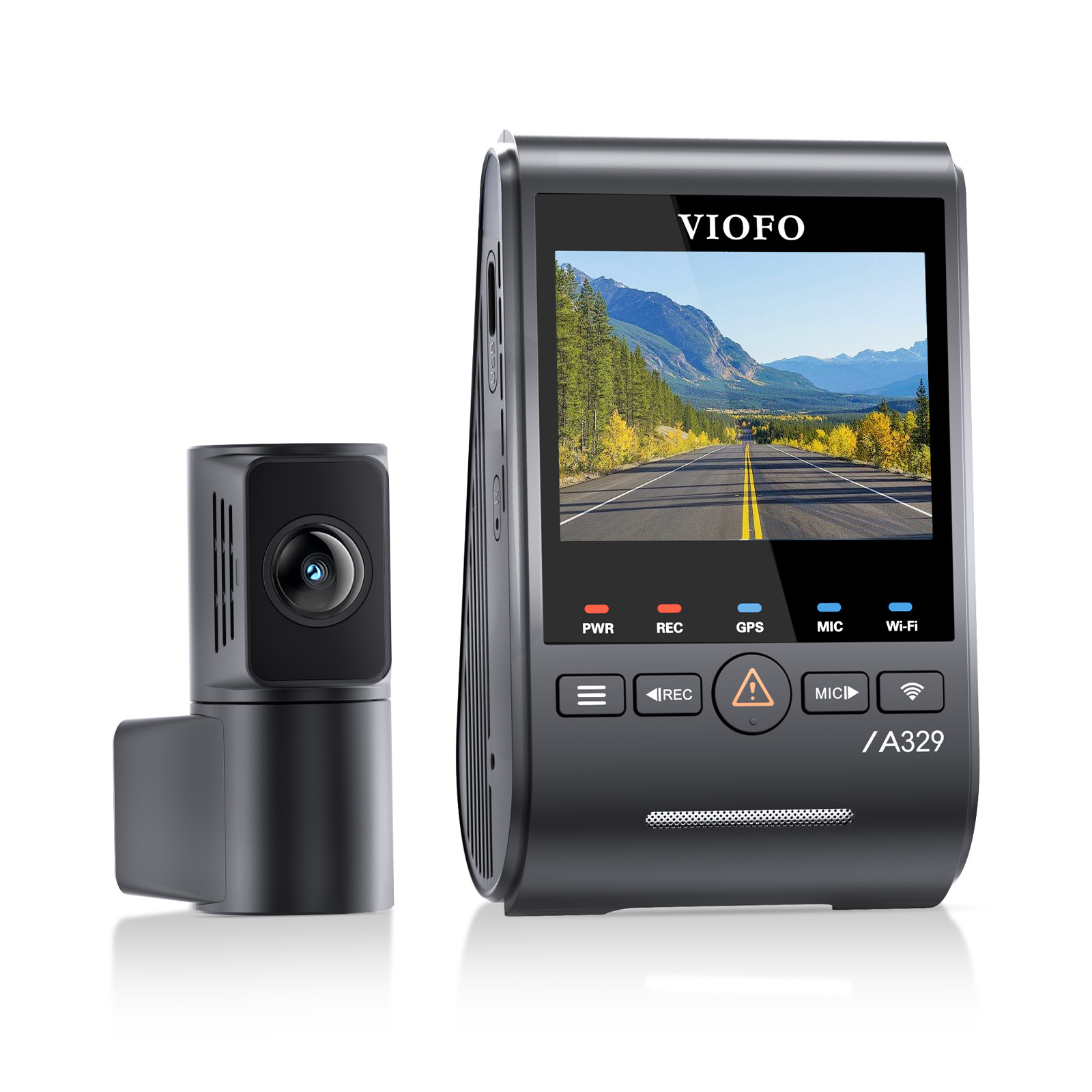
- VIOFO A329S Series
- VIOFO VS1
- Other compatible VIOFO dash cams that support Bluetooth remote control
Compatibility note: The BTR200 is not compatible with all older VIOFO models. Please confirm that Bluetooth remote control is supported by your dash cam before purchase.
Battery Replacement
The BTR200 uses a CR2032 battery. To replace the battery, slide open the battery cover, insert the new battery with the positive “+” side facing upward, then lock the cover back into place.
Resetting the Remote
If the remote does not pair correctly, remove the battery from the remote and then insert it again to reset the BTR200. You may also need to reset Bluetooth pairing on the dash cam and try the pairing process again.
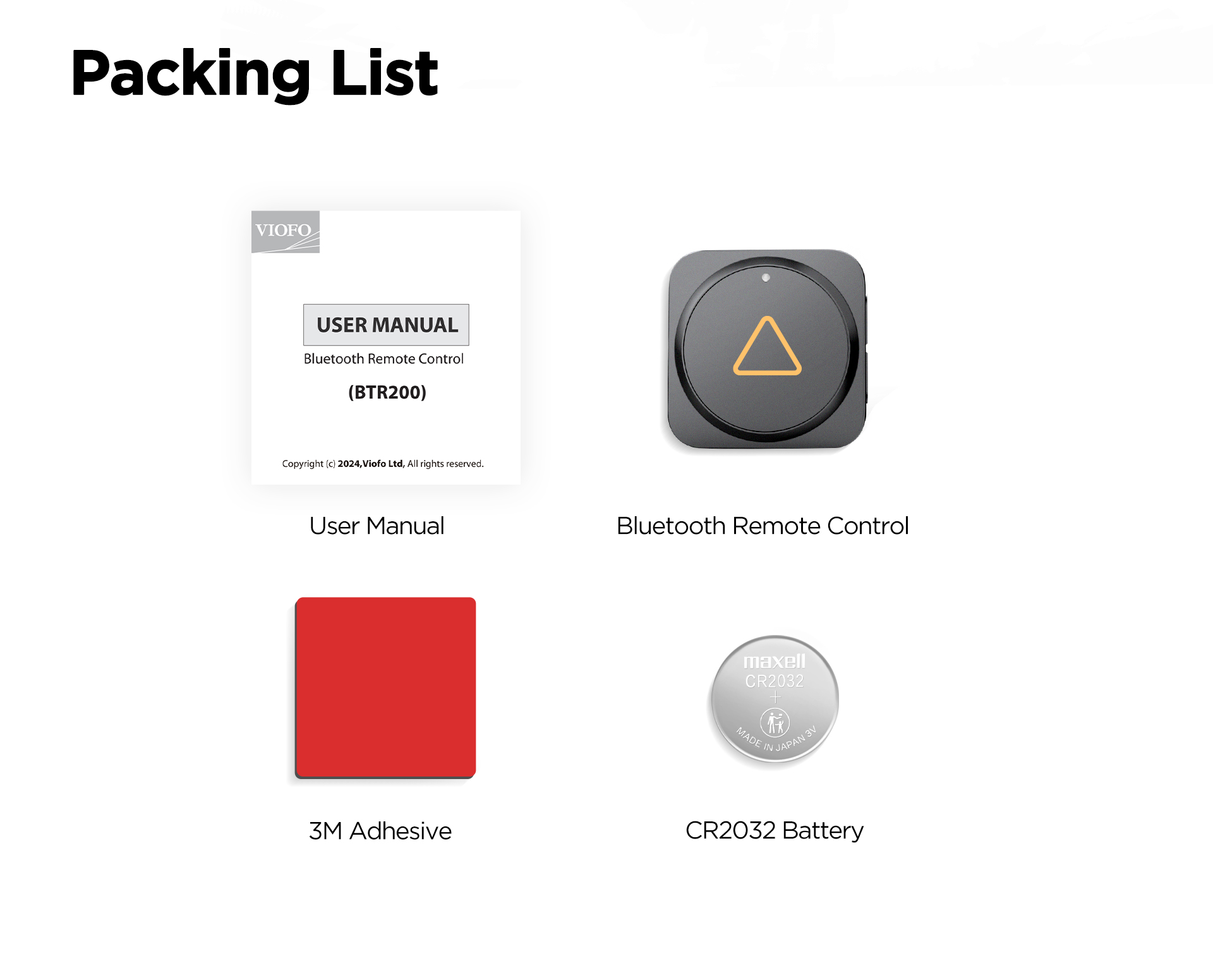
What’s Included
- VIOFO BTR200 Wireless Bluetooth Remote Control
- 3M adhesive
- CR2032 battery
- User manual
Recommended Pairing
The BTR200 is recommended for compatible VIOFO dash cam users who want quick control of video lock, snapshot, microphone and Wi-Fi functions while driving. It pairs well with compatible A229 Plus, A229 Pro, A229 Ultra and A329S Series dash cams.
More from VIOFO